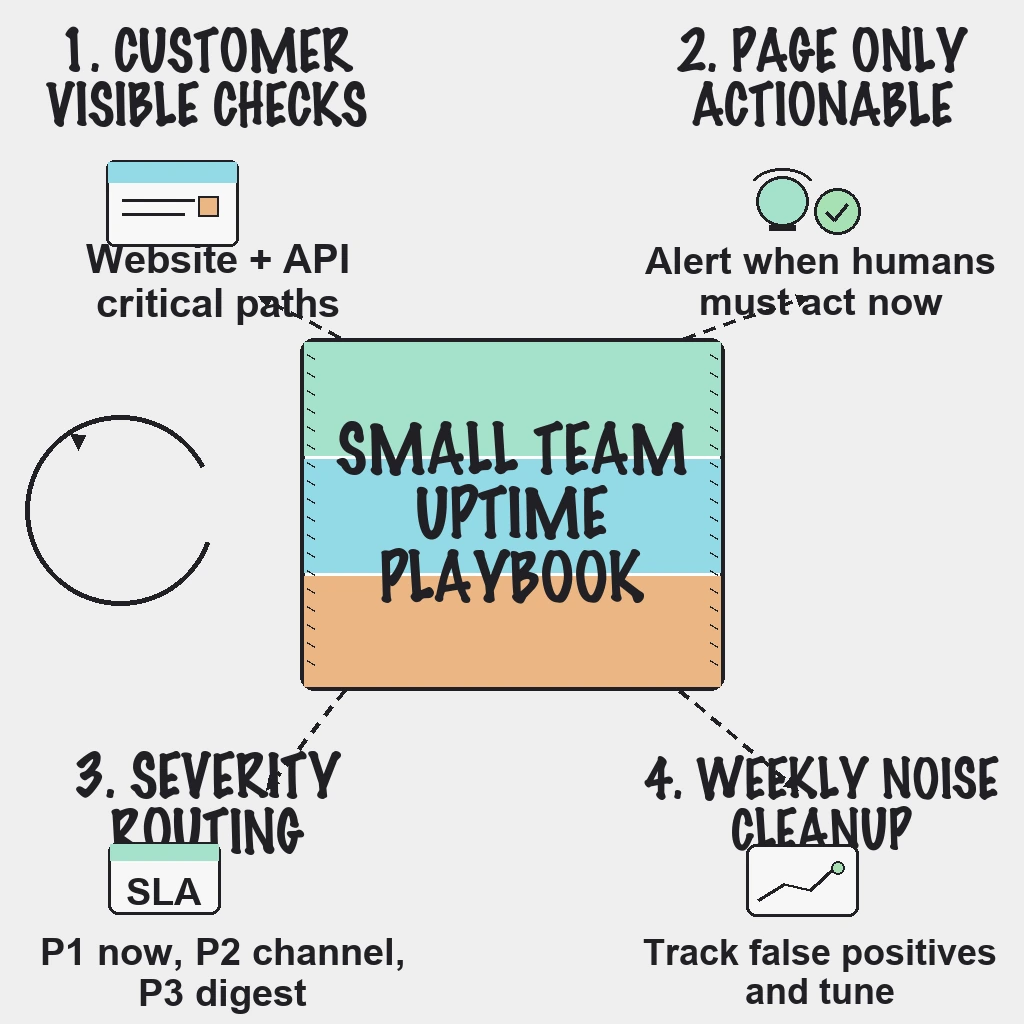
If critical incidents are slipping through, the fix is usually not more alerts. The fix is better alert selection: monitor customer-visible failures first, page only on actionable conditions, and route everything else into review workflows.
What to Monitor First
Start with services customers feel immediately:
- Website availability for key pages
- API uptime and response health for core endpoints
- Latency and error-rate thresholds tied to user impact
- SSL certificate expiry windows before renewal risk
For a deeper setup sequence, use website and API uptime monitoring priorities.
45-Minute Setup Checklist
- List top three revenue-critical user journeys.
- Create one uptime check per journey entry point.
- Add one API health check per critical backend dependency.
- Trigger high-severity alerts only after consecutive failures.
- Define severity levels: P1 outage, P2 degradation, P3 non-urgent risk.
- Route P1 to on-call immediately, P2 to team channels, P3 to digest.
- Add maintenance windows to suppress planned-change noise.
- Require owner and runbook link for every alert.
- Test alert delivery across Slack, email, and phone paths.
- Remove at least one noisy alert every week.
Practical Alert Policy That Reduces Noise
- Alert only when a human must act now.
- Prefer symptom alerts over raw infrastructure spikes.
- Use grouped notifications during multi-service incidents.
- Send auto-resolve messages to close loops quickly.
- Track false-positive rate monthly and tune thresholds.
Use this with a clear incident management workflow for SaaS so response is predictable under pressure.
Common Mistakes
- Paging on CPU spikes that self-recover
- Treating every endpoint as equal priority
- Triggering pages on single failures without retry windows
- Keeping legacy alerts with no owner
Reader Questions, Answered
What is the minimum monitor set for an early-stage SaaS?
A practical baseline is 3-5 uptime checks for customer-critical paths, 2-3 API health checks, and SSL expiry checks for all production domains.
How often should uptime checks run?
Use 1-minute checks for critical flows and around 5-minute checks for lower-priority services.
Should we page on latency?
Yes, but only for sustained latency breaches that impact users, not one-off spikes.
How do we prevent alert fatigue long term?
Run weekly alert reviews, track false positives, and remove alerts that do not map to an action.
Do we still need internal observability tools?
Yes. External uptime checks show customer impact, while internal observability helps explain root cause.
Wrap Up
Small teams win with simple, high-signal monitoring and clear escalation rules.
Ready to reduce alert fatigue without losing incident coverage?
Related guides:
- Why SMBs leave website monitoring tools
- Uptime monitoring runbook for lean SaaS teams
- Website and API uptime monitoring priorities
- Status page best practices for customer trust